AppSumo Deals
How to Evaluate a Lifetime Deal Before You Buy: A 10-Point Checklist
A practical checklist for judging any software lifetime deal: real limits, code stacking, refund windows, what 'lifetime' means, payment gateways and the questions to ask the vendor.

Lifetime deals are appealing for an obvious reason. You pay once instead of every month. For a creator paying several software bills in dollars, that can make a real difference over a year or two.
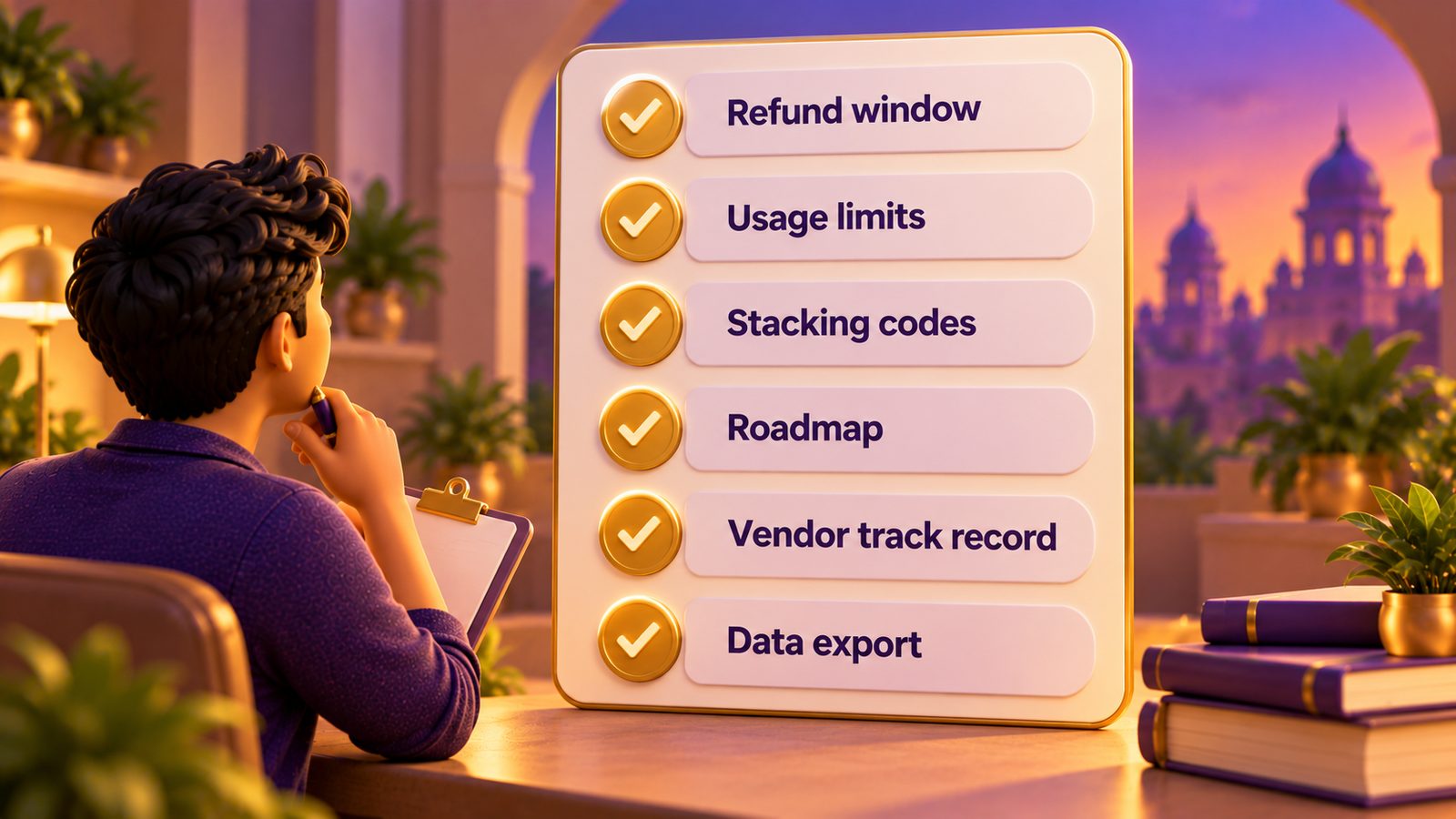
But a lifetime deal is only good value if the tool fits your business, keeps working and does what you need at the tier you bought. This checklist is what we suggest reviewing before buying any deal on AppSumo or elsewhere. It is built from how AppSumo deal pages are structured and from common buyer pitfalls, not from testing any specific tool.
1. Know what "lifetime" actually means
On AppSumo, lifetime means the life of the product, not your lifetime and not forever. If the company shuts down, is acquired and changes direction, or discontinues the product, your access can end.
This does not mean every deal is risky. It means you should keep your own copies of anything important, such as course videos, email lists and customer data, and not treat a lifetime deal as permanent infrastructure without a backup plan.
2. Read the limits on your exact tier
Every deal has limits. Common ones include:
- Users, students or contacts
- Courses, products or projects
- Storage
- Monthly or lifetime usage, such as email sends or AI generations
- Devices or sites
- Team members
Write down the limits for the tier you plan to buy. Then estimate your usage a year from now. A few examples from deals live on 20 October 2026:
- SendFox lists 5,000 contacts and 300,000 lifetime sends. Lifetime sends do not reset.
- OnlineCourseHost.com lists unlimited students but caps courses at 3 to 12 depending on codes.
- Acadle lists 200 to 800 users depending on codes.
Each of those is a different kind of ceiling. Which one you hit first depends on how you work.
3. Check whether codes stack, and how far
Many AppSumo deals let you buy multiple codes to raise your limits. Acadle, for example, listed stacking up to 10 codes at $109 each at the time of writing (20 October 2026). OnlineCourseHost.com listed stacking up to 10 codes at $99 each.
Questions to ask:
- How many codes would I need for my expected usage?
- Can I add codes later, after the deal ends? Often you cannot.
- Does the total cost of stacked codes still beat a subscription over two or three years?
4. Note the refund window and put it in your calendar
At the time of writing, AppSumo deals carry a 60-day refund window. That window is the most valuable part of the purchase, because it is your time to find out whether the tool works for you.
The mistake most buyers make is buying and then not setting anything up until day 70. On the day you buy, add a reminder about 10 days before the window closes, and plan to use the tool for real work before then.
5. Look for commercial-use and branding restrictions
Some tiers come with restrictions that are easy to miss:
- Commercial use. Vois Studio's deal page, for example, lists commercial use only on its top tier. Lower tiers do not include it.
- Branding. SendFox's base deal carries SendFox branding, and removing it needs a $10 per month add-on.
If the cheapest tier does not allow the use you have in mind, the real price is the tier that does.
6. Confirm payment gateways if the tool handles money
For Indian creators, this point deserves its own line. Many course, checkout and booking tools on AppSumo connect to Stripe and PayPal. Zylvie and TidyCal, for example, list Stripe and PayPal, and we did not see Razorpay or UPI mentioned on their deal pages.
If your customers mostly pay by UPI, a tool that cannot accept it may force you to collect payments elsewhere, which defeats part of the purpose. Ask the vendor before you buy.
7. Check language support
If you create in Hindi or another Indian language, check whether the tool supports it. Deal pages often list a number of languages without naming them all. Vois Studio, for instance, lists 23 languages, and we could not confirm Hindi among them. Do not assume. Ask, and test inside the refund window.
8. Read the reviews and the Q&A, not just the rating
A rating is a starting point. Look at:
- How many reviews there are. A 4.0 from 12 reviews tells you less than a 4.3 from 900.
- What the negative reviews say. Are the complaints about features you need, or things that do not matter to you?
- How the vendor responds. A vendor that replies clearly to questions and complaints on the deal page is showing you what support may be like.
For example, BreezeDoc showed 3.7 from 171 reviews when we checked, which is worth reading through before buying, while Switchy showed 4.87 from 275.
9. Ask about the roadmap, and do not buy for it
Vendors often describe features that are "coming soon." Treat those as nice if they arrive, not as part of what you are paying for. Buy a tool for what it does today. If a promised feature is essential to you, wait until it ships.
It also helps to look at how long the company has been around, whether the product is actively updated and whether it has a life outside AppSumo, such as its own paying subscription customers. These are signals, not guarantees.
10. Do the India money maths
AppSumo prices are in US dollars. Before buying:
- Check the rupee amount on your card statement for a similar past purchase. Your bank may add a foreign-transaction markup.
- See what tax appears at checkout.
- Ask your CA how to record a USD software purchase if you are claiming it as a business expense.
- Compare the full rupee cost with what you would pay for a subscription alternative over the period you expect to use the tool.
A quick scoring method
Give the deal one point for each of these that is true:
- It replaces a subscription I already pay for.
- My expected usage fits within the tier's limits for at least a year.
- The tier allows the use I have in mind, including commercial use.
- It works with how my customers pay, if payments are involved.
- It supports the language I create in.
- I have time to set it up within the refund window.
Five or six points, it is worth a serious look. Three or fewer, you probably do not need it right now.
Who this checklist is for
It is for anyone about to buy a software deal, especially during busy sales like AppSumo's Black Friday, where rising prices create pressure to decide fast. See our AppSumo Black Friday guide for planning around that.
You can skip it only if the deal is so cheap that losing the money would not bother you. Even then, unused tools cost you attention.
FAQ
Are AppSumo lifetime deals refundable? At the time of writing, AppSumo deals carry a 60-day refund window. Check the deal page for current terms.
What happens to my lifetime deal if the company is sold? It depends on the new owner. On AppSumo, lifetime means the life of the product, so keep backups of your data.
Is it smarter to buy the top tier to be safe? Not automatically. Estimate your real usage and buy the tier that fits, unless a key restriction, like commercial use, only lifts on a higher tier.
Should I buy deals that are sold out if they come back? Evaluate them like any other deal. Do not plan your business around a sold-out deal returning, since there is no guarantee it will.
Learnistry Editorial Team
We publish practical digital learning resources and review software for AI, marketing and online business, with an emphasis on useful workflows, clear limitations and independent opinions.
About Learnistry AIRelated posts

AppSumo Deals
How We Review Software Deals at Learnistry
A good deal starts with a useful tool. Here is how we assess software, check the fine print and keep our recommendations independent.
Learnistry Editorial Team

AppSumo Deals
AppSumo Black Friday: A Planning Guide for Indian Course Creators
How AppSumo's Black Friday sale has worked in past years, how to build a shortlist before it starts, and the India-specific traps to watch for when you pay in dollars.
Learnistry Editorial Team

AppSumo Deals
Best AppSumo Lifetime Deals for Course Creators Right Now
A researched breakdown of five live AppSumo deals for people who sell courses: Acadle, OnlineCourseHost.com, Academy LMS, Zylvie and KillerPlayer, with tiers, limits and India-specific caveats.
Learnistry Editorial Team