AI Tools
Vois Studio Lifetime Deal: What the Voiceover Tiers Really Include
AppSumo's Vois Studio is offline text-to-speech sold in three tiers. Only the top tier lists commercial use. Here is what each tier includes and what creators should check first.

AI voiceovers have become a regular part of how creators make content. Course lessons, explainer videos, ads and short-form clips can all use a generated voice instead of a recording session.
Vois Studio is an AI voice tool sold as a lifetime deal on AppSumo. On the surface, the cheapest tier looks like a bargain. But the tiers differ in a way that matters a lot if you plan to use the voice in anything you sell. This post explains what the deal page says each tier includes. We have not tested Vois Studio, and everything below should be confirmed on the deal page before you buy.
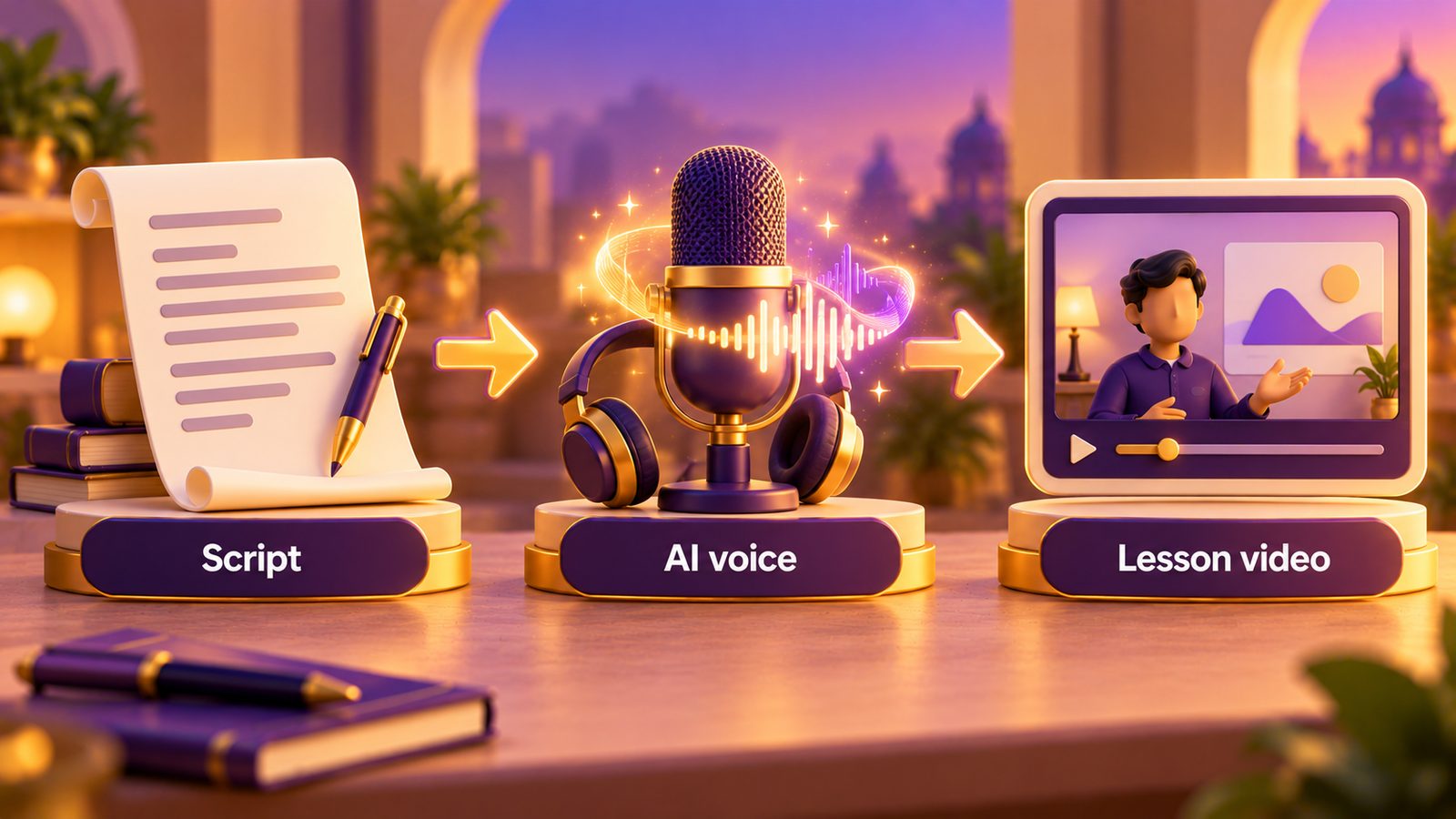
What Vois Studio is
According to the deal page, Vois Studio is offline desktop text-to-speech. It runs on your computer rather than in a browser, and it is licensed per device. The deal page lists support for 23 languages and voice cloning on the higher tiers.
Deal page: https://appsumo.com/products/vois/
The three tiers
Prices are at the time of writing (20 October 2026). Please confirm current pricing on the deal page.
| Tier | Price | Devices | Voice clones | Commercial use |
|---|---|---|---|---|
| Tier 1 | $59 | 1 | None | Not included |
| Tier 2 | $119 | 2 | 5 | Not included |
| Tier 3 | $239 | 5 | 15 | Included |
The detail that changes everything: commercial use
The deal page lists commercial use only on Tier 3. Tiers 1 and 2 do not include it.
For a creator, that is a big deal. If you plan to use the voice in:
- a paid course
- a YouTube channel that earns money
- ads for your products
- client work
then you are using it commercially, and on the information we found, only the $239 tier covers that. A $59 tier that you cannot use for your business is not really a $59 tool for your business.
Before buying any tier, read the licence terms on the deal page carefully, and ask the vendor in the deal Q&A if anything is unclear about what counts as commercial use.
Voice cloning
Tier 2 includes 5 voice clones and Tier 3 includes 15. Tier 1 has none.
Voice cloning lets you create a custom voice, often from a sample recording. If you want lessons narrated in a voice that sounds like you, this is the feature that makes it possible. Two cautions:
- Only clone voices you have the right to use, such as your own or someone who has given clear permission.
- Since Tier 2 does not list commercial use, clones made on Tier 2 would still fall under that restriction for paid work.
Language support and Hindi
The deal page lists 23 supported languages. We could not confirm whether Hindi is one of them.
For Indian creators, this is the second big question after licensing. If you make content in Hindi or Hinglish, do not assume support. Ask the vendor directly, and if you do buy, test Hindi output, including how numbers, prices and English words mixed into Hindi sentences are pronounced, within the refund window.
Even where a language is supported, quality can vary between languages. Test with your own scripts, not just the demo samples.
Reviews
When we checked, the deal had a rating of 4.0 from only 12 reviews. That is a small sample. It is not a red flag on its own, but it means there is less buyer feedback to learn from than with a deal that has hundreds of reviews. Read the reviews and the Q&A section for specific complaints or praise about voice quality and support.
Offline vs cloud voice tools
Being offline and desktop-based has some practical effects:
- No per-character usage meter, based on how the deal is described. This is worth confirming, but offline tools generally do not bill per generation.
- Your computer does the work. Check the system requirements against your machine.
- Device limits. Tier 1 covers one device. If you work across a laptop and a desktop, or have an editor who needs access, you need a higher tier.
The common cloud alternative is ElevenLabs, which uses monthly subscription plans. We have not verified their current pricing, so check it directly. Cloud tools often offer a wider voice library and regular model updates. A one-time offline tool gives you the voices and features the product has, which may or may not keep pace with newer models.
What to check before you buy
- Commercial use. If the voice will appear in anything you sell or monetise, check whether your tier allows it. On our reading of the deal page, only Tier 3 does.
- Your language. Confirm Hindi or any other language you need.
- Device count. Count every computer that needs it.
- System requirements. Make sure your machine can run it smoothly.
- Refund window. At the time of writing, AppSumo deals carry a 60-day refund window. Test with real scripts early.
Our full checklist for any deal is here: how to evaluate a lifetime deal before you buy.
Who Vois Studio is for, and who should skip
It may suit creators who produce a lot of English voiceover content, want an offline tool with no usage meter, and are willing to buy Tier 3 for commercial rights.
Skip it, or ask questions first, if you mainly create in Hindi and cannot confirm support, if you only need occasional voiceovers, or if you were planning to buy Tier 1 or 2 for business use. In that last case, the licence may not cover what you plan to do.
For other tools we recommend, see our products page.
FAQ
Can I use the $59 tier for my YouTube channel? If the channel earns money, that is likely commercial use. On the deal page, commercial use is listed only on Tier 3 ($239 at the time of writing). Check the licence terms and ask the vendor if you are unsure.
Does Vois Studio support Hindi? The deal page lists 23 languages, but we could not confirm Hindi. Ask the vendor and test before relying on it.
Is it lifetime forever? On AppSumo, lifetime means the life of the product. If the product is discontinued, your access ends with it.
How many voices can I clone? According to the deal page, Tier 2 includes 5 clones and Tier 3 includes 15. Tier 1 has none.
Learnistry Editorial Team
We publish practical digital learning resources and review software for AI, marketing and online business, with an emphasis on useful workflows, clear limitations and independent opinions.
About Learnistry AIRelated posts

AppSumo Deals
How We Review Software Deals at Learnistry
A good deal starts with a useful tool. Here is how we assess software, check the fine print and keep our recommendations independent.
Learnistry Editorial Team

AppSumo Deals
AppSumo Black Friday: A Planning Guide for Indian Course Creators
How AppSumo's Black Friday sale has worked in past years, how to build a shortlist before it starts, and the India-specific traps to watch for when you pay in dollars.
Learnistry Editorial Team

AppSumo Deals
Best AppSumo Lifetime Deals for Course Creators Right Now
A researched breakdown of five live AppSumo deals for people who sell courses: Acadle, OnlineCourseHost.com, Academy LMS, Zylvie and KillerPlayer, with tiers, limits and India-specific caveats.
Learnistry Editorial Team